
Kannel GUI: Ozeki browser based user interface vs text files
This page compares the file-based administration of Kannel with the browser-based interface of Ozeki SMS Gateway. It demonstrates how Kannel administrators edit configuration files and inspect raw logs manually, while Ozeki provides structured screens for managing users, SMPP connections, HTTP API activity, and operational logs from a central web interface.
How to modify Kannel config and check logs
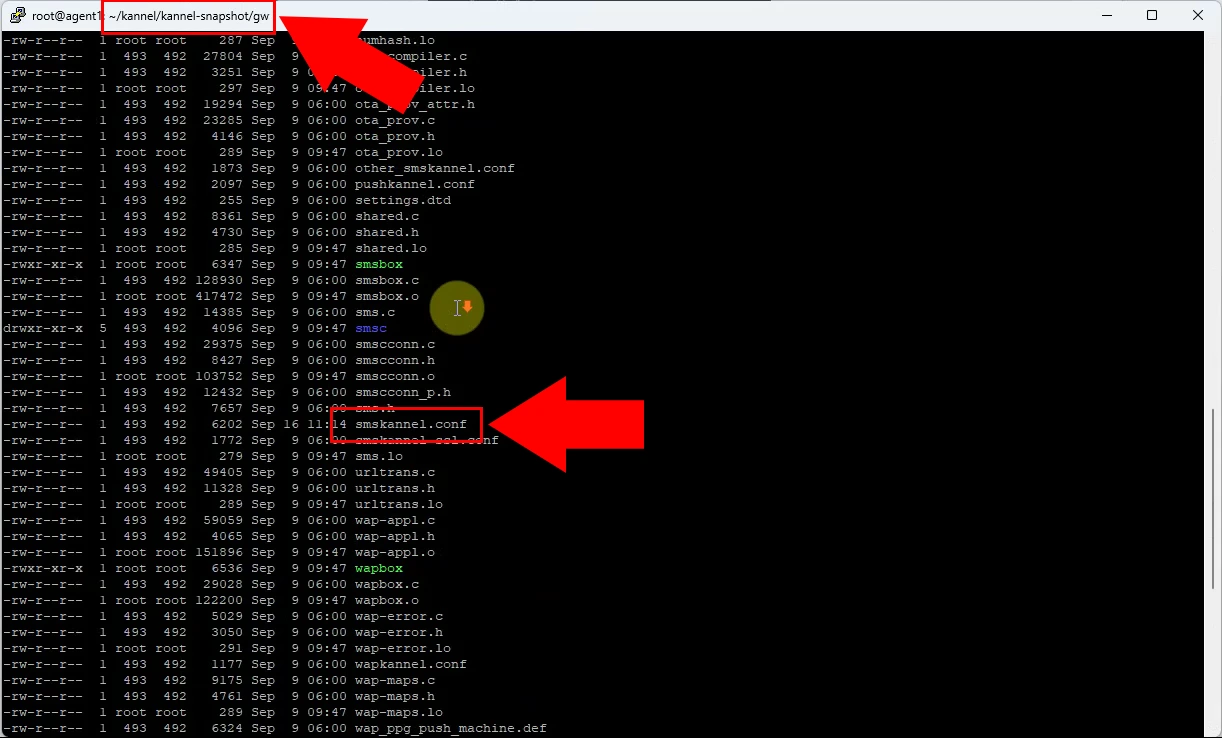
Kannel configuration being maintained in a text-based file. Administrators must manually edit syntax, parameters, and service definitions.
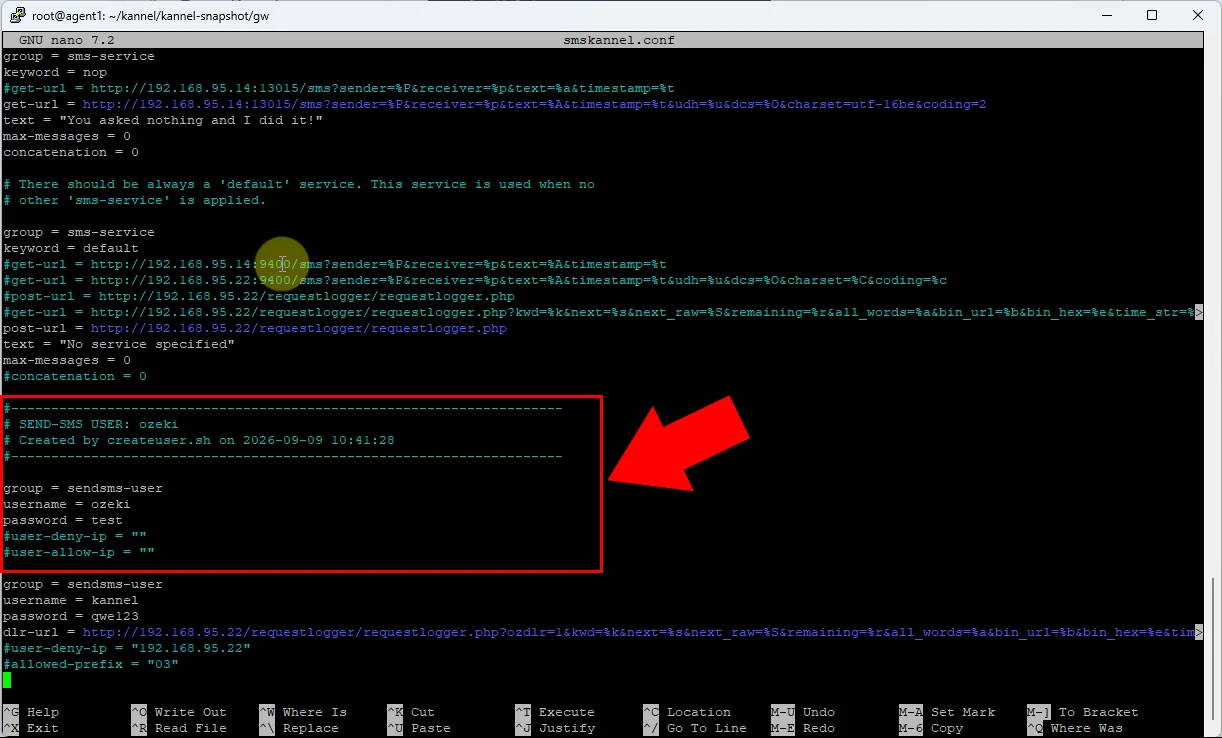
This figure represents configuration of a Kannel SMS user through text entries. User credentials, permissions, and connection settings must be entered accurately by hand.
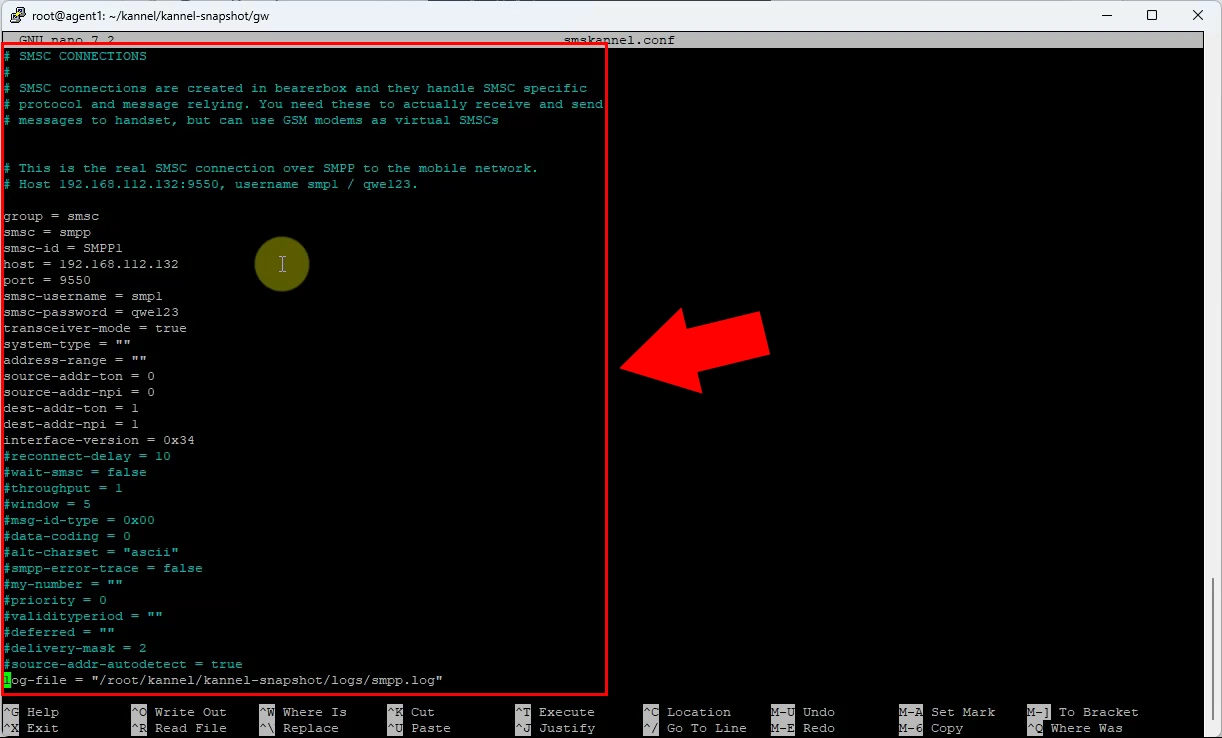
SMPP connectivity configured through Kannel’s text configuration format. Changing host details, ports, credentials, or protocol settings requires editing and reloading configuration.
Kannel log files must be located and inspected manually. Troubleshooting depends on reading raw log output from the file system or command line.
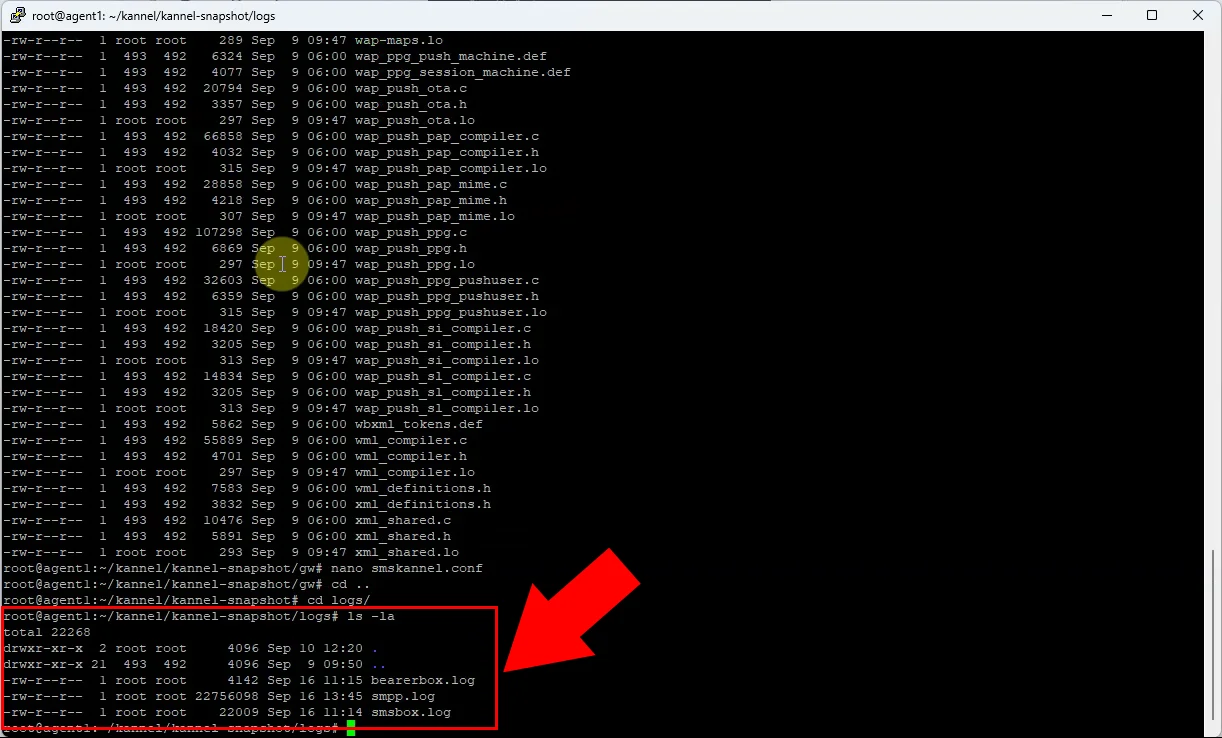
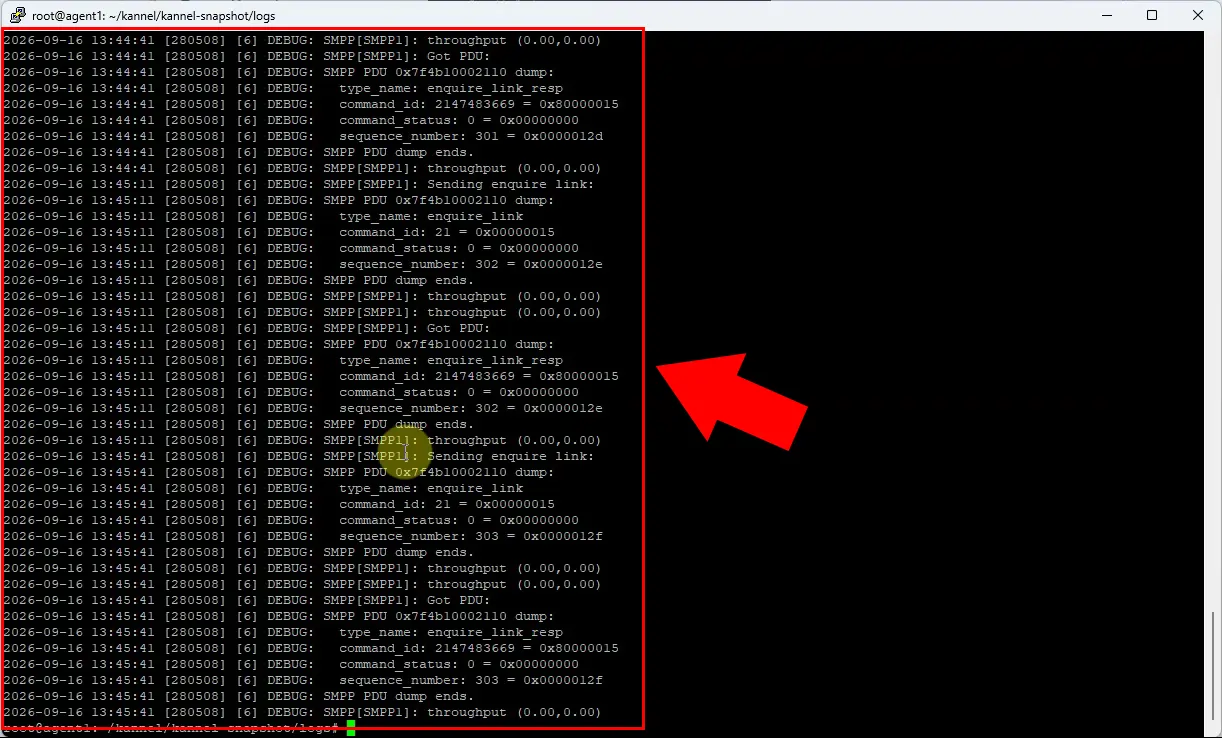
SMPP-specific Kannel log containing connection and messaging events. Administrators need to interpret raw technical records to find authentication, binding, or delivery problems.
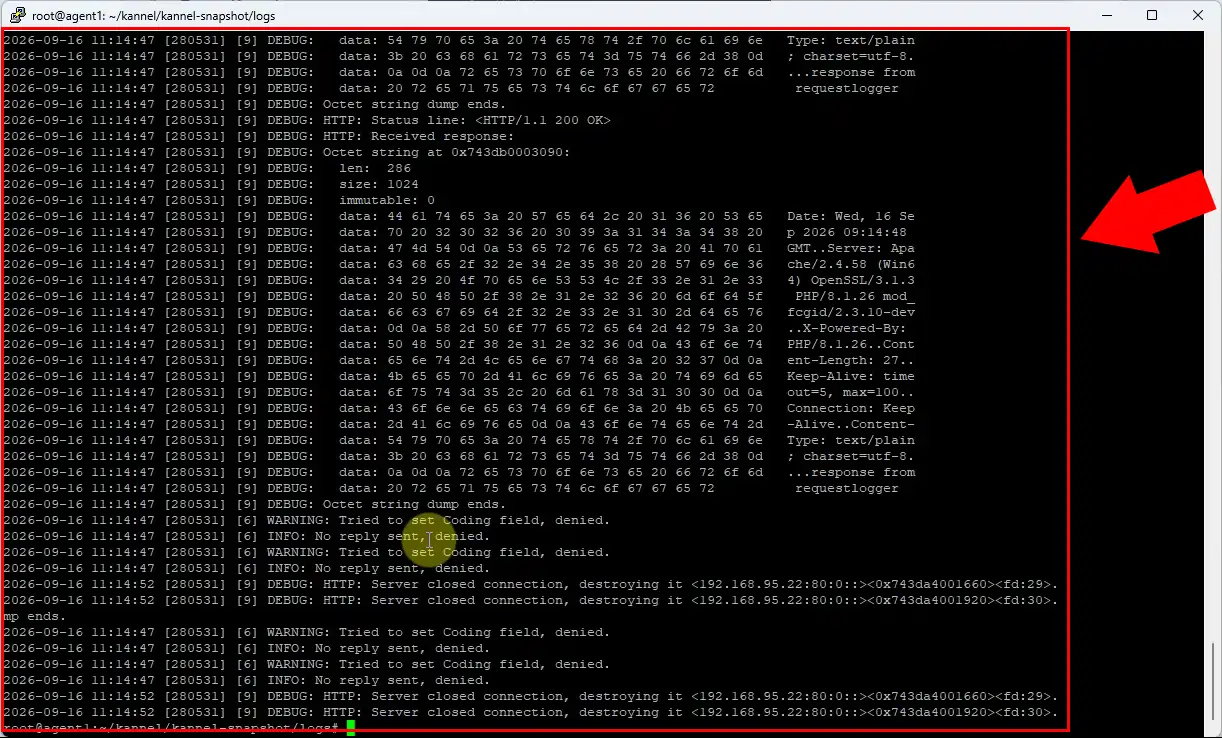
Kannel HTTP API logging in text-file form. API requests, responses, and errors are reviewed by searching through raw log lines.
How to modify Ozeki SMS Gateway config and check logs
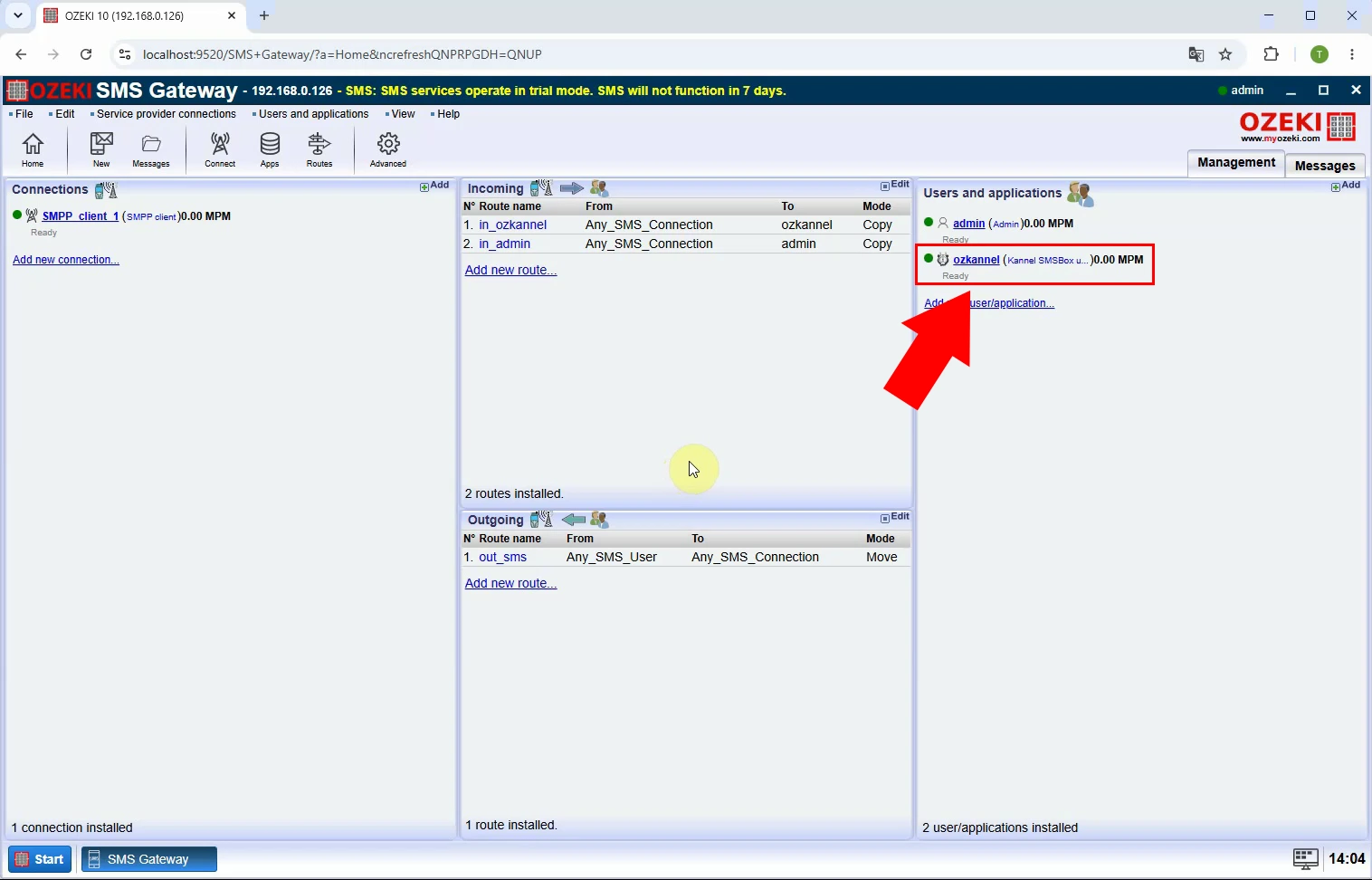
Ozeki SMS Gateway user configured for Kannel-related access. Instead of creating the user through a text file, the administrator manages it in the browser. The interface makes user administration more visible and easier to validate.
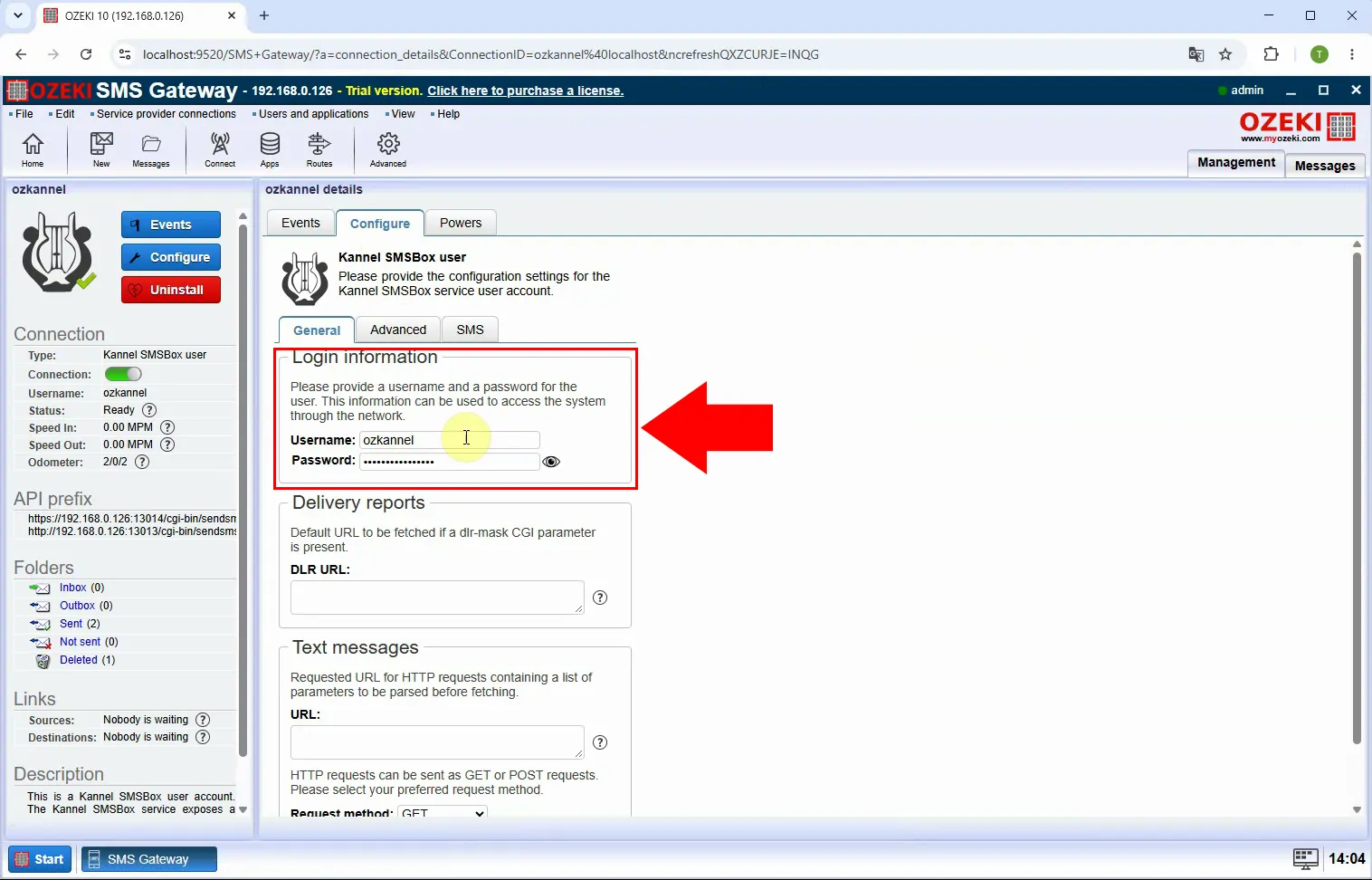
This figure displays the detailed settings page for an Ozeki Kannel-compatible user. Credentials and operational options can be reviewed and modified through structured controls. This reduces dependence on manually maintaining configuration-file syntax.
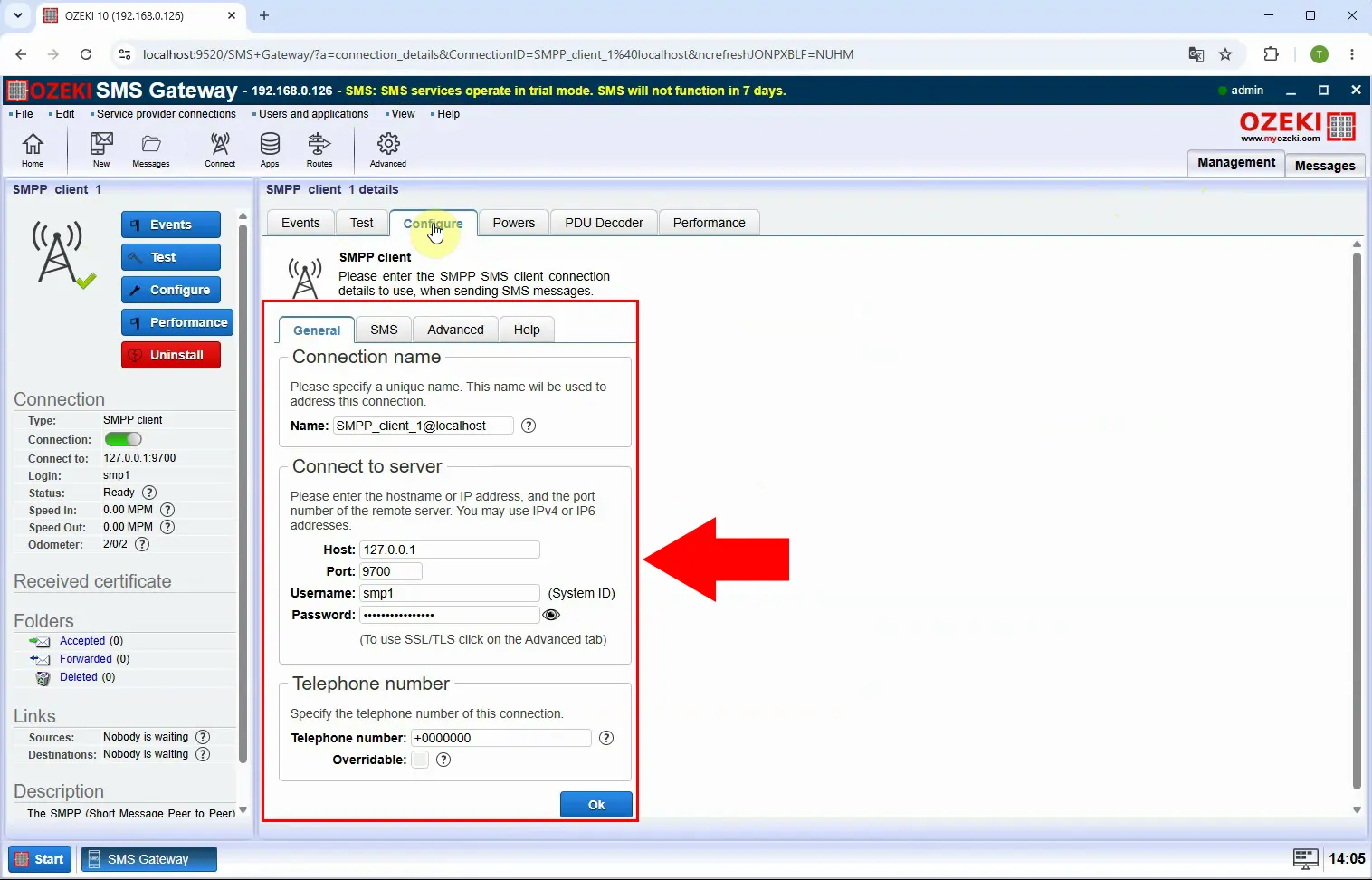
SMPP connection settings can be entered, checked, and updated through Ozeki’s dedicated browser-based SMPP configuration interface. Compared with Kannel text files, this approach simplifies routine configuration changes.
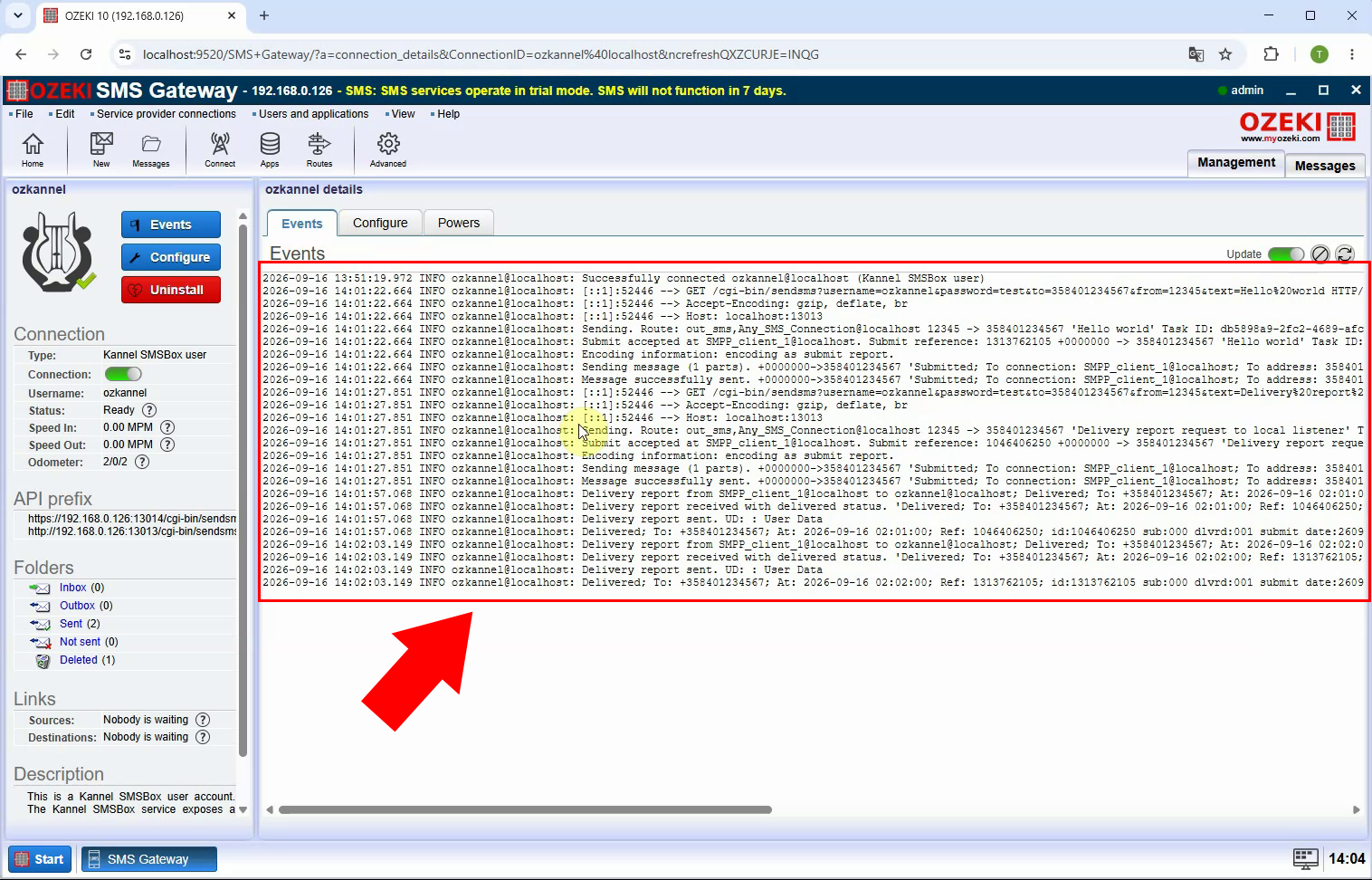
Ozeki HTTP API log in the web interface. Administrators can inspect API activity without navigating server directories or opening log files manually. It provides a more accessible view of requests, responses, and possible errors.
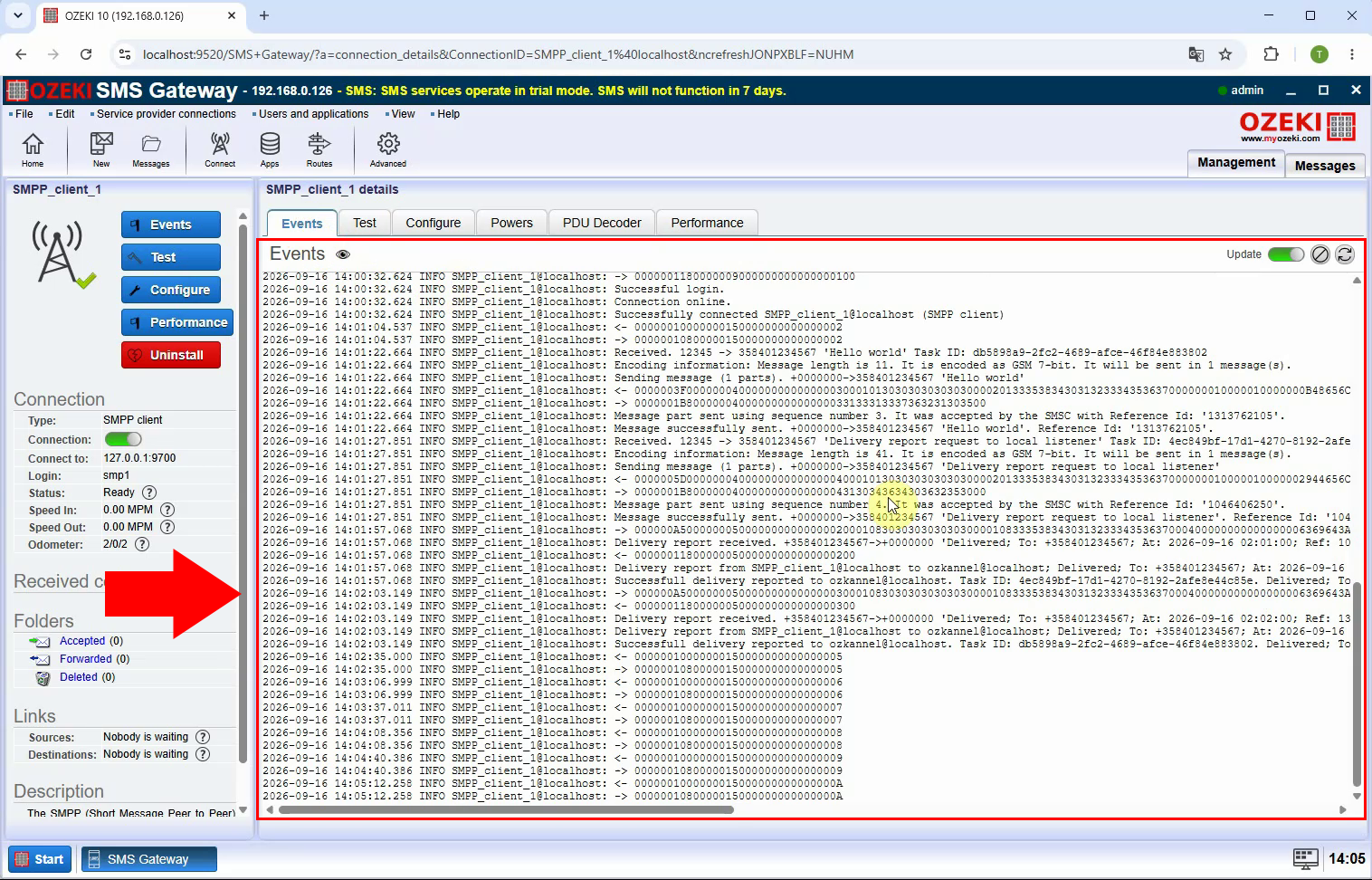
SMPP log information displayed by Ozeki SMS Gateway in the browser. It supports monitoring of SMPP traffic and diagnosing connection or message-processing issues from the UI. The comparison emphasizes Ozeki’s centralized graphical administration versus Kannel’s file-based workflow.
Conclusion
Kannel handles SMS gateway administration through text-based configuration files and raw log inspection, which demands precise manual editing, careful syntax management, and command-line troubleshooting. Ozeki SMS Gateway provides the same core capabilities - user management, SMPP connectivity, HTTP API access, and detailed logging - through structured browser-based screens that make configuration easier to enter, validate, and review. The comparison shows that while Kannel offers a reliable file-driven workflow, Ozeki delivers a more accessible and efficient alternative: its centralized graphical interface reduces the risk of configuration errors and speeds up diagnosis of connection, delivery, and API issues, while remaining compatible with Kannel users and SMPP connections.